
Save the recipe.
Get the list.
Save recipes from TikTok, Instagram or any website. Plan your week and shop one list with your whole home.


iPhone, Android and the web.
How it works
Dinner, sorted.
Saw a recipe you like? That is all it takes.
-
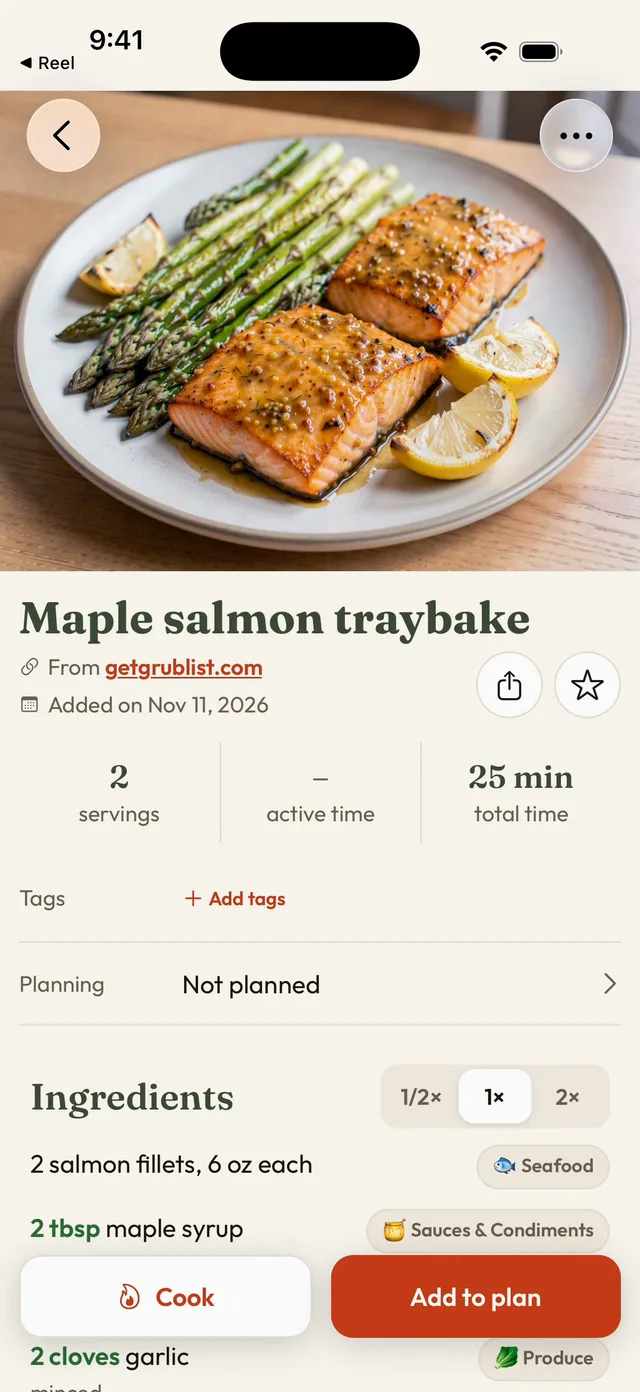
Save it
Share from TikTok, Instagram or any website. The recipe comes in clean.
-
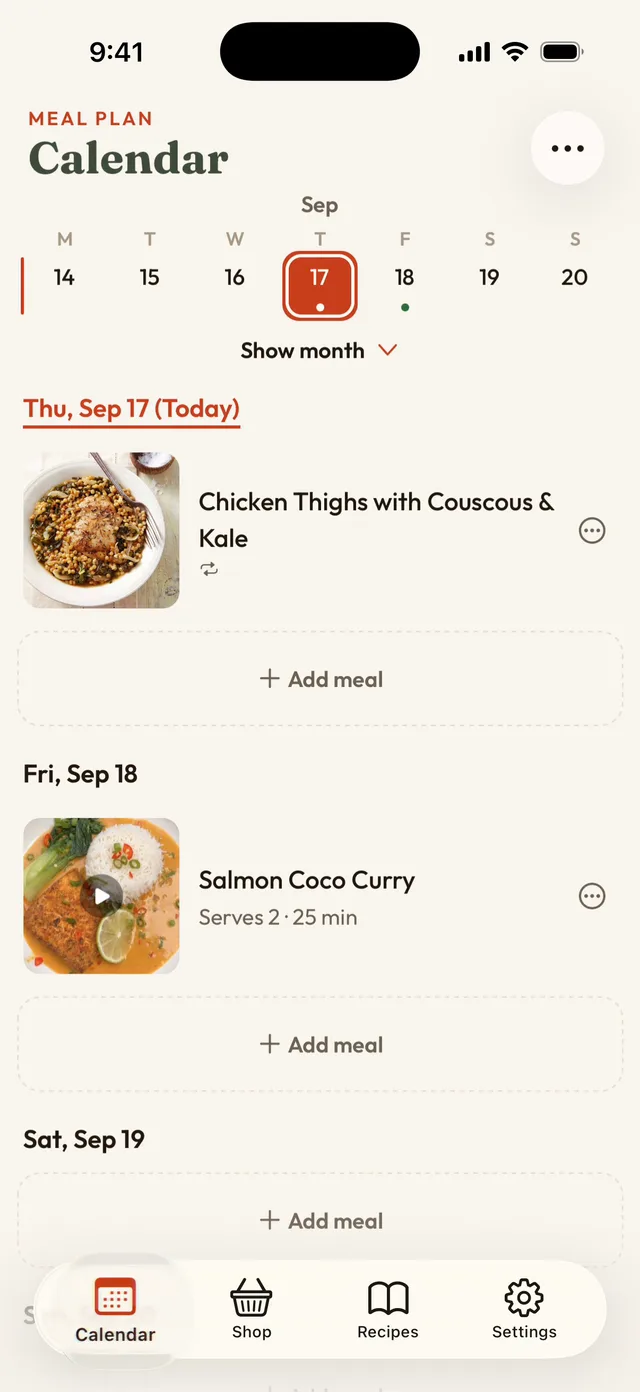
Plan it
Pick a day for each meal. Your week fills up, and so does your list.
-
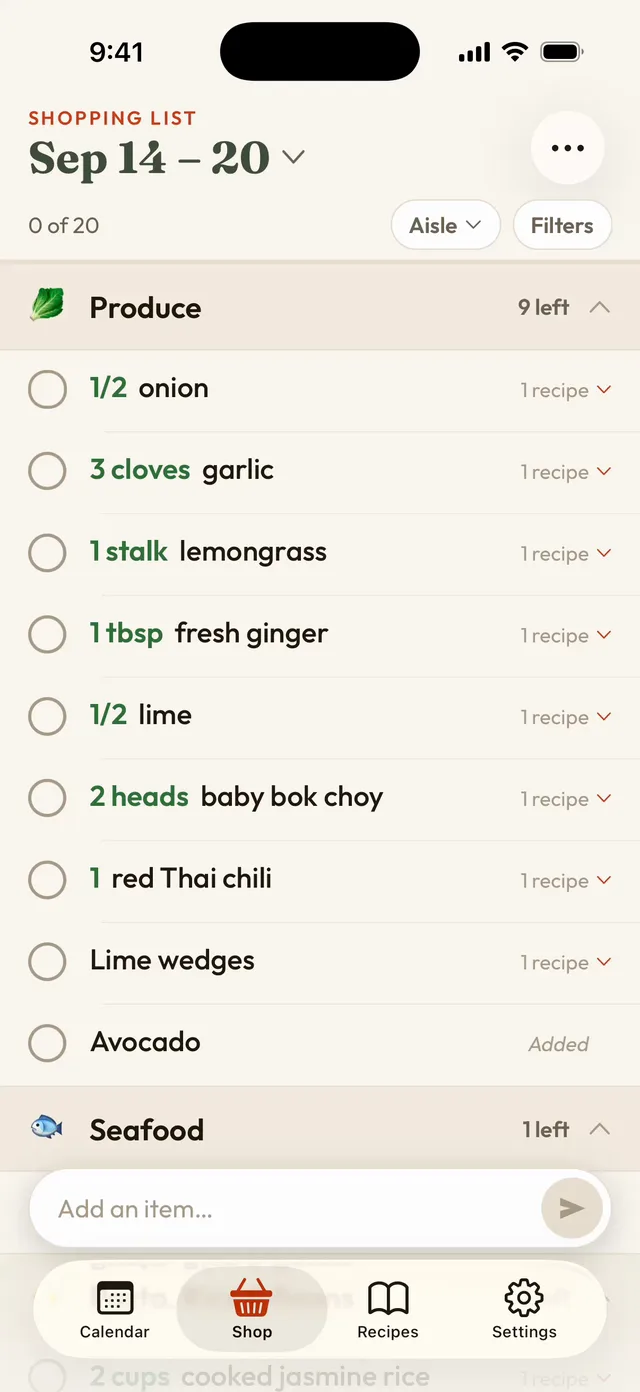
Shop it
One list, sorted by aisle, with every ingredient added up.
Made for your home
Plan together.
One list for everyone.
Invite your household. When someone adds or ticks off an item, everyone sees it right away.
Favorites on repeat.
Taco night every Tuesday? Set it once. It comes back on its own.
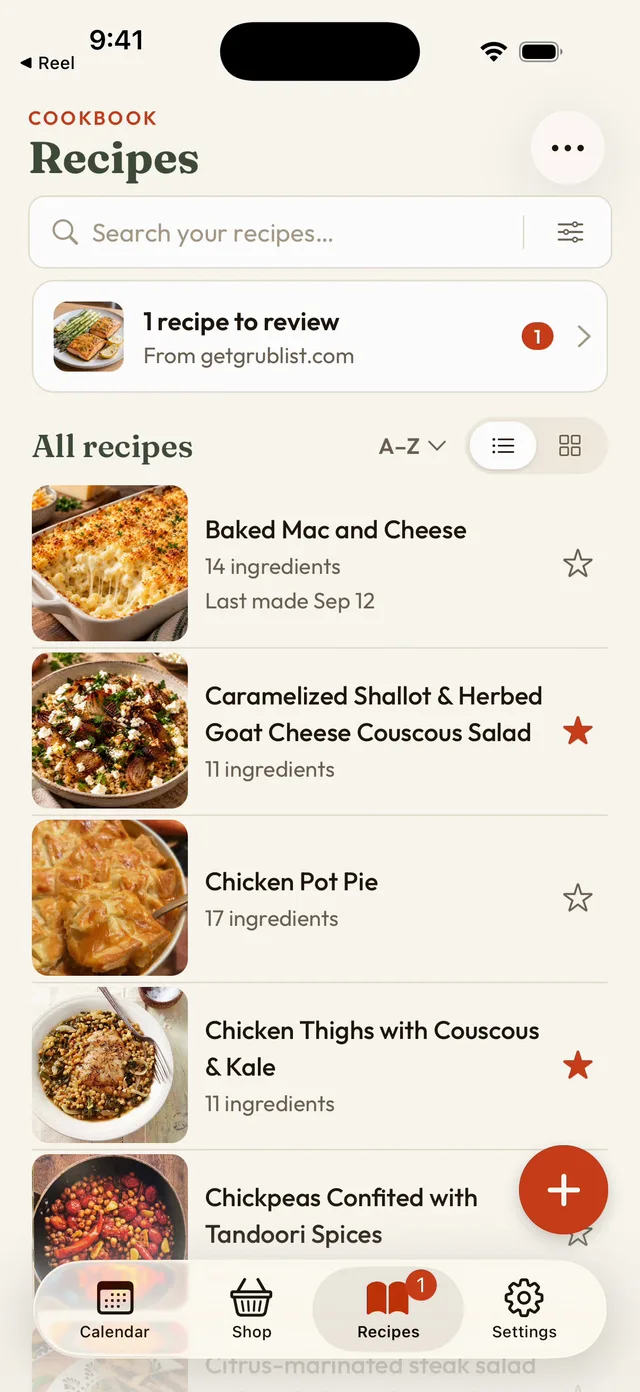
All your recipes, one place.
Every recipe you save, with photos, tags and search.
On the web
Plan on the big screen.
See your plans side by side. Drag a recipe onto a day.
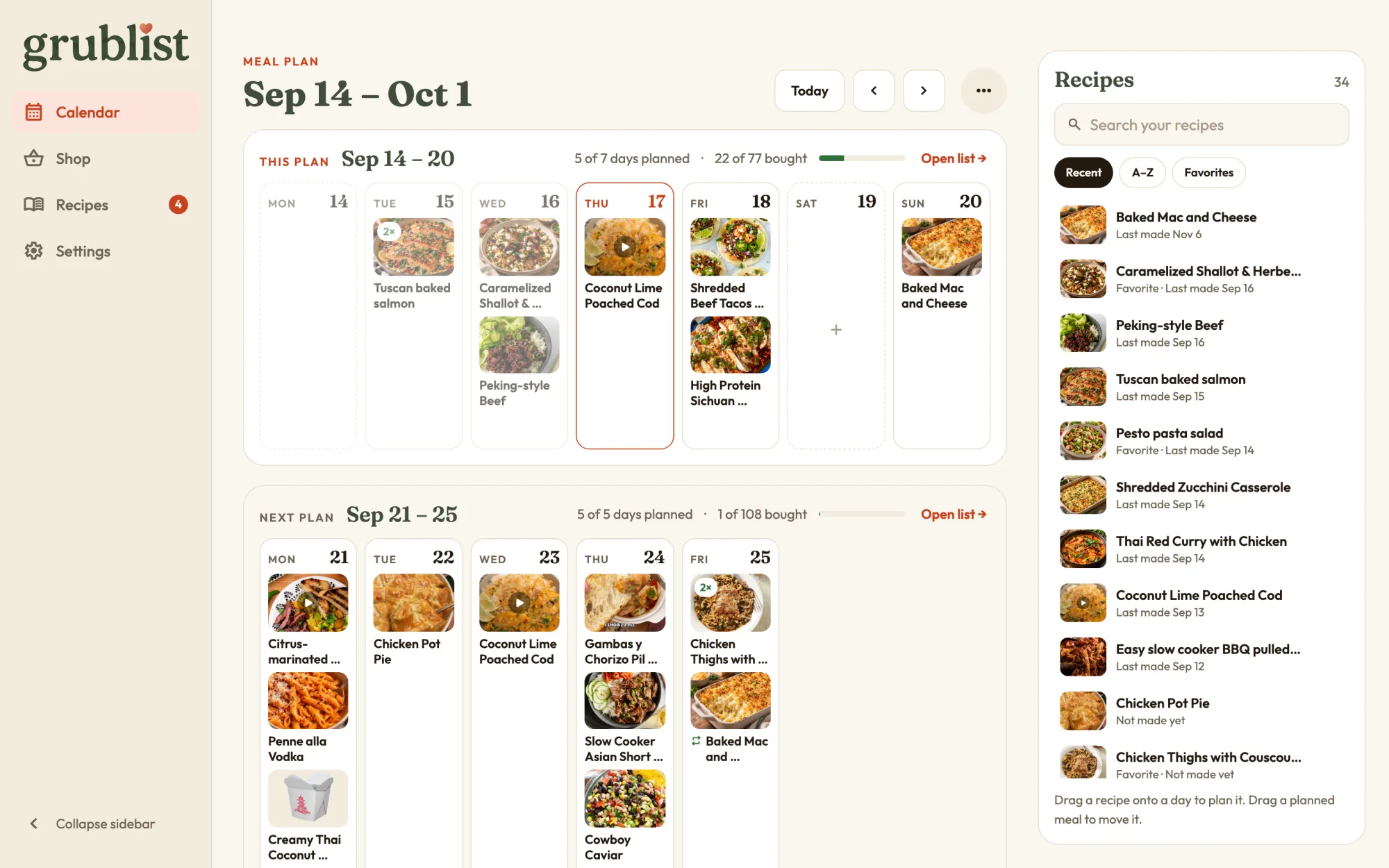
Have an account? Sign in at app.getgrublist.com.
- What can I save?
- Recipes from TikTok, Instagram, YouTube, Pinterest and most recipe websites. You can also write your own.
- Can my household use it?
- Yes. Invite them. You all share the same recipes, plan and list. One subscription covers everyone.
- Does it work on a computer?
- Yes. Open app.getgrublist.com in your browser and sign in.
- Can I sign up on the web?
- Not yet. Create your account in the iPhone or Android app. Then sign in on the web with the same account.
- How much does it cost?
- You can try it for free. The app shows the plans and prices for your country.

Save the recipe.
We’ll do the rest.
On iPhone, Android and the web.